
Apr 21, 2026
Navigating the Digital Frontier: A Comprehensive Guide to Privacy Protection
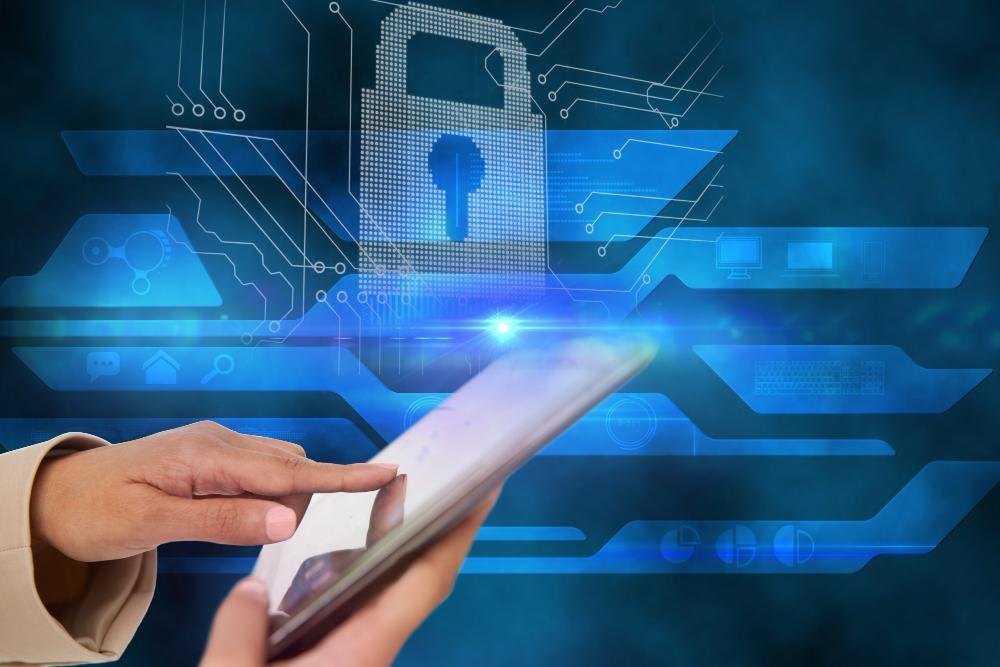
In an era where connectivity is a constant, digital privacy has evolved from a technical preference into a fundamental necessity. Every online interaction—from checking weather updates to managing professional correspondence—generates a digital footprint. Understanding how to manage this footprint is essential to maintaining autonomy in a digitally integrated society. By implementing robust privacy strategies, individuals can reclaim control over their information, ensuring that personal data remains both secure and private in an increasingly transparent world.
The Mechanics of Digital Surveillance
- The modern internet operates on a complex exchange: users receive free, convenient
services in return for data. This data collection is often facilitated through third-party tracking cookies, which monitor activity across various websites to create detailed user profiles. While these profiles help tailor advertising experiences, they also expose user habits, preferences, and even sensitive demographic information.
Beyond cookies, browser fingerprinting represents a more sophisticated threat to anonymity. By aggregating data points such as device hardware, browser version, and installed software, trackers can generate a unique "fingerprint" that identifies a specific device. Unlike
cookies, which can be cleared, a digital fingerprint is much harder to obscure, making it a powerful tool for long-term tracking.
Essential Privacy Defense Strategies
Protecting digital privacy requires a multi-layered approach. Relying on a single tool is rarely sufficient; instead, a combination of behavioral changes and technical solutions creates a resilient defense.
Securing Network Traffic
Encryption serves as the bedrock of data protection. When data travels across the internet, it is vulnerable to interception. Virtual Private Networks (VPNs) establish an encrypted tunnel between a user’s device and a remote server, masking the source IP address and preventing unauthorized eavesdropping. While encryption does not guarantee total anonymity, it is a critical step in safeguarding metadata and network activity from ISP monitoring or malicious actors.
Strengthening Authentication
Passwords alone are no longer enough to secure sensitive accounts. Multi-factor authentication (MFA) adds an essential layer of verification, requiring at least two independent factors—such as a knowledge-based password and a possession-based one-time code—to access an account. This significantly reduces the risk of credential theft, as an attacker would need access to both the password and the physical secondary device to succeed.
Understanding Legal Protections
Privacy is not only managed through personal tools but also through legal frameworks that govern how organizations handle data. Regulations like the General Data Protection Regulation (GDPR) and the California Consumer Privacy Act (CCPA) empower users by granting rights to access, rectify, or delete personal data. Awareness of these rights allows users to hold service providers accountable and ensure that data collection adheres to principles of minimization and transparency.
Comparison of Privacy Enhancement Tools
| Feature | VPNs | MFA | Private Browsers |
|---|---|---|---|
| Primary Goal | Masks IP and encrypts traffic | Prevents unauthorized logins | Reduces cross-site tracking |
| Feature | VPNs | MFA | Private Browsers |
|---|---|---|---|
| User Effort | Low (Always-on option) | Moderate (Setup required) | Low (Change browser) |
| Anonymity Level | High (for network traffic) | N/A (Security-focused) | Moderate (Blocks cookies/scripts) |
| Data Protection | In-transit encryption | Credential integrity | Prevents behavioral profiling |
Frequently Asked Questions
Can a VPN make me completely anonymous online?
While a VPN encrypts your traffic and hides your IP address from websites, it does not prevent tracking through other methods like browser fingerprinting or logging into accounts. Complete anonymity is difficult to achieve, but using a VPN in conjunction with other tools like private browsers provides a much higher level of protection.
How often should I change my passwords if I use MFA?
If MFA is enabled on your accounts, the urgency for frequent password rotation decreases, but it remains a best practice to use strong, unique passwords for every site. The primary goal is to ensure that even if one service suffers a data breach, your other accounts remain secure.
Is "Incognito" or "Private" mode enough to protect my privacy?
Private browsing modes only prevent your local browser history from being saved. It does not hide your activity from the websites you visit, your internet service provider, or network administrators. For genuine protection, combining private mode with a VPN and privacy-focused extensions is more effective.
What is data minimization?
Data minimization is a principle where organizations collect only the information strictly necessary for a specific purpose. Users can practice this by refusing to share optional information on registration forms and periodically auditing which apps have access to their device permissions, such as location or contacts.
Sustaining Digital Autonomy
Maintaining digital privacy is an ongoing process of adjustment rather than a single event. As technology advances, so too do the methods of tracking and data exploitation. By staying informed about evolving global privacy regulations and consistently applying modern security
practices like MFA, encryption, and conscious data sharing, individuals can build a robust defense. The goal is to move from a state of passive participation to one of active control, ensuring that the digital tools of the future remain facilitators of connection rather than instruments of surveillance. Taking small, consistent steps today creates a much safer and more private online environment for the years to come.
References and Further Reading
- pmc.ncbi.nlm.nih.gov/articles/PMC13059083
- petsymposium.org/popets/2025/popets-2025-0038.pdf
- digitalcommons.kennesaw.edu/cgi/viewcontent.cgi
- pmc.ncbi.nlm.nih.gov/articles/PMC9925847
- pmc.ncbi.nlm.nih.gov/articles/PMC10214092
- www.frontiersin.org/journals/public-health/articles/10.3389/fpubh.2026.1775267/full
- hstalks.com/article/4953/understanding-the-scope-and-impact-of-the-californ
- digitalcommons.law.scu.edu/cgi/viewcontent.cgi
Related Blogs

The Complete Home WiFi Security Setup Guide: Protect Your Network and Personal Data
Jun 5, 2026
How to Spot a Fake Text Message in 2026
Jun 4, 2026

Prevent Grandparent Scams Now: A Complete Guide to Protecting Older Adults from Financial Fraud
Jun 2, 2026
Facebook Privacy Settings Guide: How to Take Control of Your Data and Stay Safe Online
May 29, 2026

How to Organize and Backup Digital Photos: A Complete Guide to Protecting Your Visual Memories
May 26, 2026

Where Are My Photos Stored? A Simple Guide to Cloud Storage
May 22, 2026

Essential Phone Security Settings for Seniors: A Comprehensive Guide to Staying Safe in the Digital Age
May 22, 2026
The Complete Guide to Identity Theft Recovery: Reclaim Your Financial Security Step by Step
May 19, 2026

Safe Internet Browsing Practices: A Comprehensive Guide to Protecting Your Digital Life
May 15, 2026

Essential Cybersecurity Guide for Older Adults: Password Management and Scam Prevention
May 13, 2026