
By Margaret Ellis
Senior Technology Editor
Oct 05, 2025
An Expert Guide to Life360 for Senior Safety and Peace of Mind
Introduction: Technology as a Partner in Independent Aging
For many older Americans and their adult children, balancing guaranteed safety with maintaining an independent lifestyle is an ongoing challenge. With a growing desire to "age in place," families require technological solutions that provide reassurance without restricting the freedom of older adults.
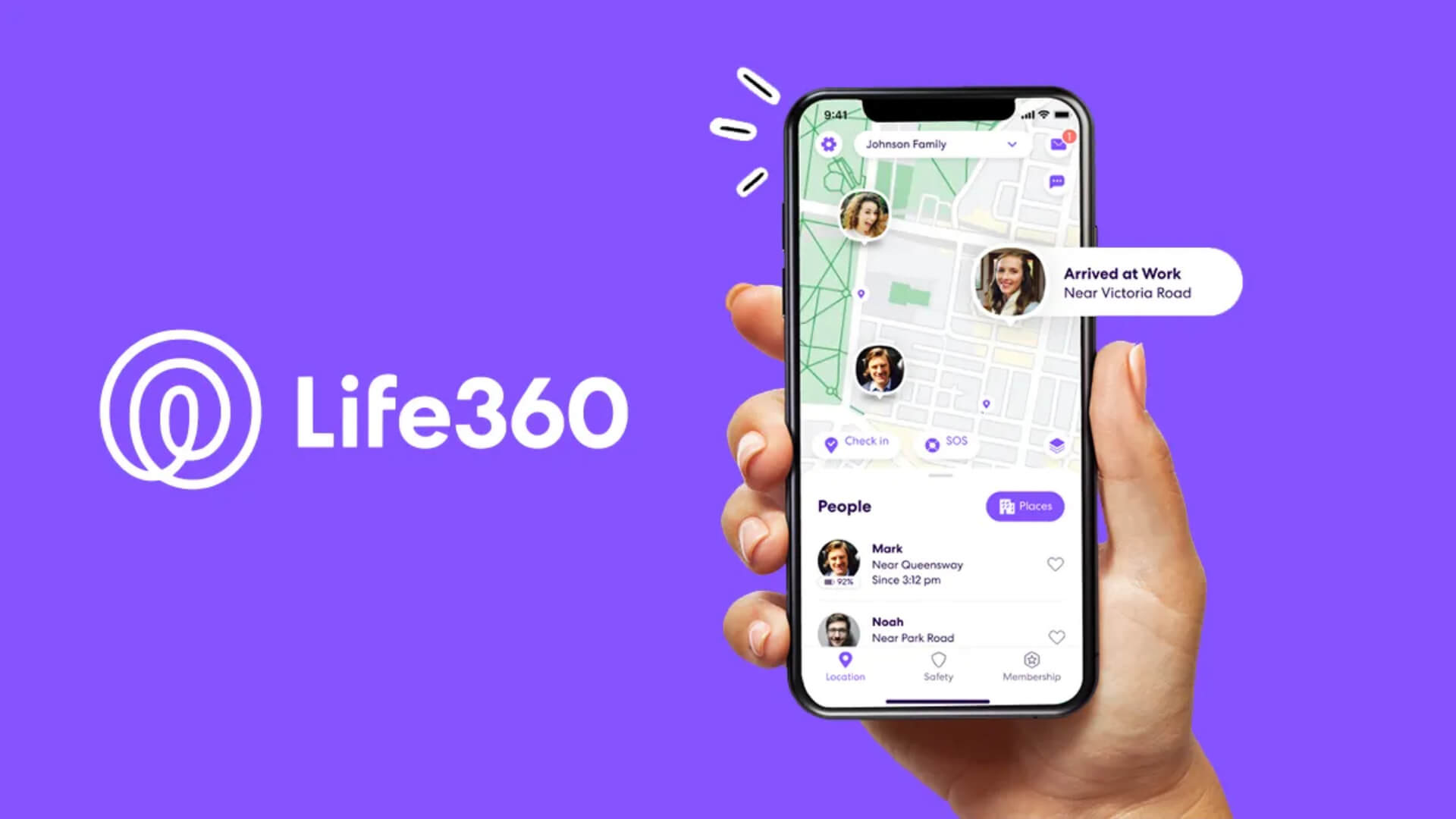
Life360, a family safety application, while often known for tracking teen drivers, has core functionalities—including GPS monitoring, crash detection, and emergency assistance—that are profoundly applicable to older adults who maintain active, mobile lifestyles.
Setting Up Life360 for Senior Use
Step 1: Family Communication Before deploying any tracking technology, have an open conversation about the purpose and limitations of location sharing. Position Life360 as a mutual safety network, not surveillance.
Step 2: Account Setup
- Download the app on both the senior's device and family members' devices.
- Create a family circle and invite all relevant family members.
- Adjust privacy settings to match comfort levels.
Step 3: Key Features to Enable
- Location Sharing: Set to always share for peace of mind.
- Check-Ins: Enable automatic check-ins when arriving at frequently visited locations.
- Emergency Assistance: Configure the SOS feature for one-tap emergency calls.
Benefits for Seniors and Families
- Independence with Safety: Seniors can maintain their routines while family members can check in when needed.
- Emergency Response: Quick access to help in case of falls or medical emergencies.
- Geofencing: Receive alerts when seniors arrive at or leave specific locations.
- Driving Safety: Monitor driving habits and receive alerts for harsh braking or speeding.
Related Blogs

How to Choose the Best Health Insurance Plan in 2026: A Complete Buyer's Guide
Jun 30, 2026

HMO vs PPO vs EPO: Which Health Insurance Network Is Right for You?
Jun 28, 2026

Understanding Health Insurance Deductibles, Copays, and Out-of-Pocket Maximums
Jun 26, 2026

Best Health Insurance Plans for Self-Employed Professionals in 2026
Jun 24, 2026

What Data Do Companies Collect
Jun 23, 2026

Family Health Insurance: How to Cover Everyone Without Breaking the Bank
Jun 22, 2026

How Auto Insurance Premiums Are Calculated: Factors That Affect Your Rate in 2026
Jun 20, 2026

How to Download Apps Safely from Stores: A Complete Security Guide
Jun 19, 2026

Comprehensive vs Collision Auto Insurance: What's the Difference?
Jun 18, 2026

How to Spot Fake Websites: A Complete Guide to Protecting Yourself Online
Jun 16, 2026